Understanding Passwords

Passwords have been updated yet again! This has created a lot of confusion about which passwords will open which programs, etc. Here are the basics:
Domain Passwords
This password applies to:
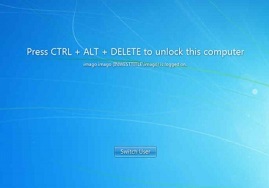
Your office computer. Domain computers display this screen at start up:
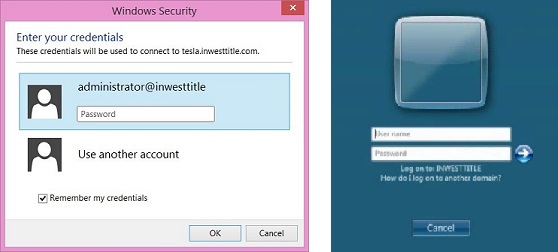
Terminal servers (RDS Links Folder)
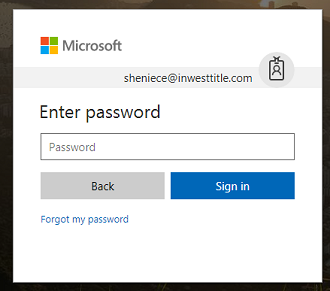
Email accounts. The new O365 system links with your domain account.
Domain Password Requirements
You are required to change this password every 90 days.
Passwords must contain:
- uppercase character
- number
- special character (!@#$%^&*)
- minimum of 8 characters in length
Passwords cannot:
- contain three or more consecutive letters from your name
- For example: Robert.Smith could not use Rob123!! or Smitty1!
- repeat any of your last 3 passwords
Turbo Passwords
**Turbo now has the option to log in automatically.**
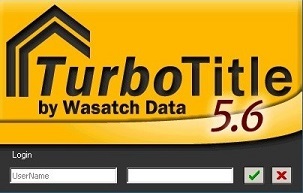
This password applies to the yellow Turbo login screen.
Turbo Password Requirements
Passwords must contain:
- uppercase character
- number
- special character (!@#$%^&*)
- minimum of 8 characters in length
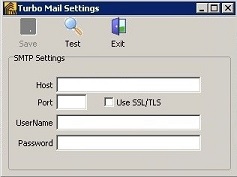
Turbo Mail uses passcodes, generated by 2 Factor Authentication. Contact Guru for help generating passcodes.
(Access Turbo Mail settings by opening Email Packager > Send via Turbo Mail > Options > Settings > enter your passcode and click Save.)
Post is closed for comments.
Comments
0 comments